Article
QR Code Scams: How Quishing Works in Australia
QR code scams, or quishing, hide a phishing link inside a square you can't read. How the scam works, the ATO and parking meter versions, and what to do if you've already scanned one.
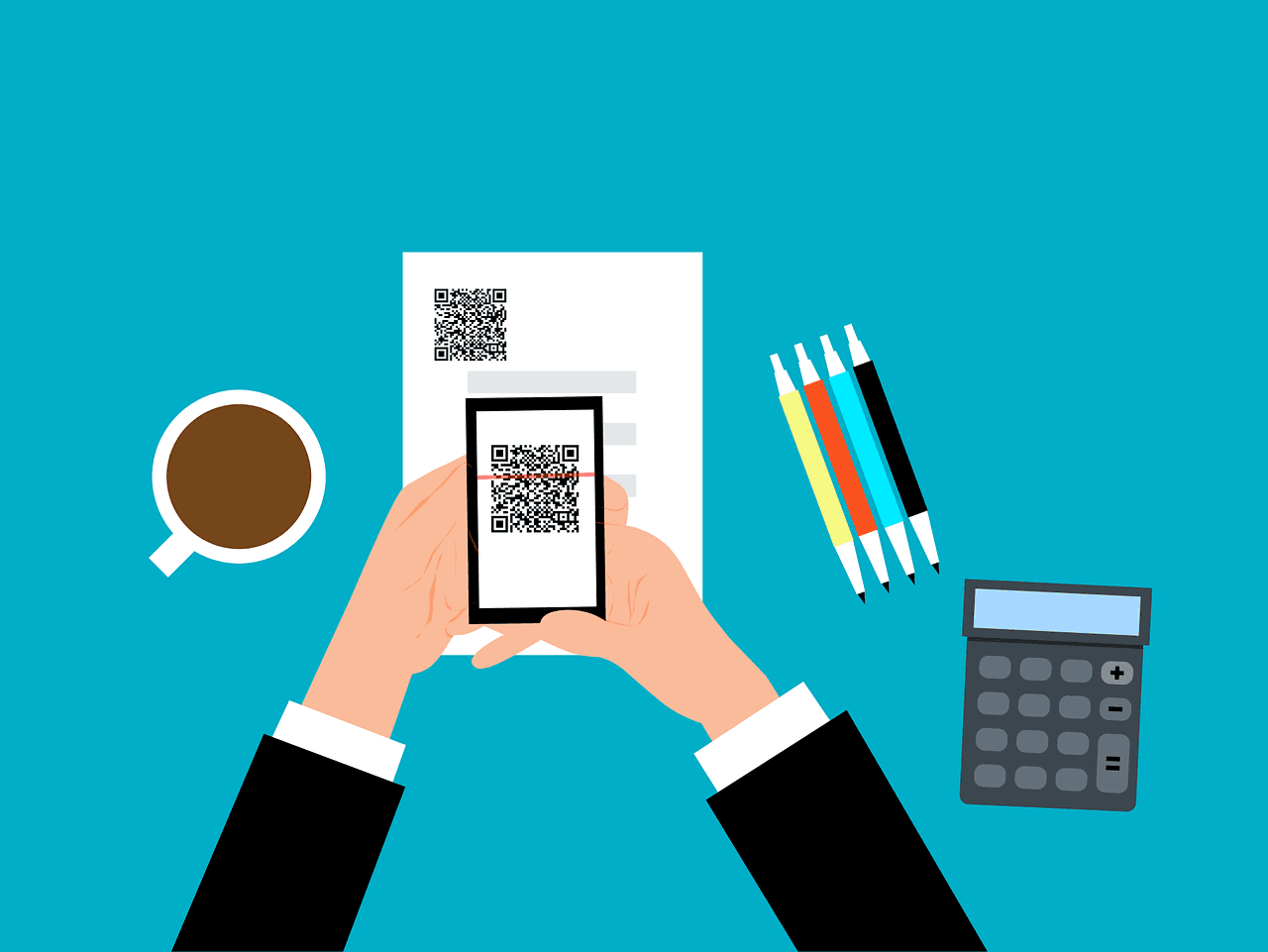
A QR code is a link you can't read. That's the whole problem in one sentence.
When a scammer emails you a dodgy link, you at least have a fighting chance. You can hover over it, squint at the address, and notice that "ato-gov-refund.com" isn't the tax office. A QR code hides all that inside a pattern of black squares. You point your phone at it, trust it, and find out where it goes only after you've arrived.
Scammers worked this out a while ago. The practice now has a name, quishing (QR phishing), and it turns up on posters, parking meters, letters and, increasingly, in work email.
What a QR code actually is
It helps to demystify the thing. A QR code is just text, usually a web address, encoded as a grid of squares that a camera can read quickly. It has error correction built in, which is why a scratched or partly covered code still scans. There's no registry, no approval process and no security check. Anyone can generate one in a few seconds with a free website, and it will point anywhere they like.
So a QR code tells you nothing about who made it. A sticker on a parking meter, a code printed in a letter and a code on a restaurant table all carry exactly the same level of trust: none, until you've checked where it leads.
The three main versions of the scam
1. The sticker over the real thing
The low-tech version. Scammers print QR code stickers and put them on parking meters, EV chargers, posters and menus, either over a genuine code or where people expect to find one. The code leads to a convincing payment page that takes your card details.
Just this September, Auckland Transport warned drivers after fake QR stickers turned up on parking machines in Auckland's city centre, following similar finds in Wellington and Christchurch. The giveaway? Auckland Transport doesn't use QR codes on its parking machines at all. That's the first question to ask anywhere: does this organisation actually use QR codes here?
2. The QR code in an email
This is the one businesses should worry about most. A staff member gets an email saying their Microsoft 365 password expires today, or a document is waiting for their signature, with a QR code to "verify". The code leads to a fake Microsoft login page.
Why use a QR code instead of a link? Because email security filters are good at inspecting links and much less good at reading images. The QR code is a picture, so it can slip past. And it moves the victim from a work laptop, which has security software and web filtering, to a personal phone, which often has neither. Two layers of protection skipped with one square.
3. The fake government letter
Scammers impersonate the ATO, myGov, toll road operators and banks, usually with an urgent message and a code to scan. Here there's a simple rule: the ATO says it will never send you an SMS or email with a link or QR code to log in to its online services, and Services Australia says it will never ask you to scan a QR code to sign in to myGov. Any message claiming otherwise is a scam. It's a big part of why tax time is scam season.
How to scan a QR code safely
You don't need to give up QR codes. You just need a routine:
- Read the preview. Both iPhone and Android cameras show the web address before you open it. Read the actual domain, the part just before the first single slash. "mybank.com.au/pay" is fine; "mybank.com.au.pay-secure.net" belongs to pay-secure.net.
- Check for a sticker. Run a finger over a code in a public place. If it's stuck on top of something, walk away.
- Ask whether a code makes sense here. A council parking machine, a government letter or a password reset email has no good reason to need one.
- Go direct for anything involving money or logins. Open the official app, or type the address you already know. It takes thirty seconds longer and removes the scam entirely.
- Never download an app from a QR code unless it lands you in the official App Store or Google Play listing, and even then check the developer name.
- Be suspicious of urgency. "Pay now", "account suspended" and "final notice" are pressure, not information.
The ACSC's quishing guidance covers the same red flags.
Protecting your business from QR code phishing
For a business, the email version is the real risk, because one staff member entering their Microsoft 365 password on a fake page can lead to invoice fraud and email compromise. A few things help:
- Train for it specifically. Staff who've learned to hover over links may not realise a QR code is just a link in disguise. Include quishing examples in phishing simulations and training.
- Make a stolen password useless. Phishing-resistant MFA and conditional access that only allows sign-in from managed devices mean a password typed into a fake page on a personal phone gets the scammer nothing.
- Manage work phones. If staff read work email on their phones, those phones should be enrolled in device management with protection against malicious sites.
- Check your email filtering. Modern filters can decode QR codes in images and attachments. Make sure that feature is switched on. A Microsoft 365 security assessment will check.
- Look after your own codes. If you put QR codes on signage or invoices, check them now and then. A scammer's sticker on your shop window damages your customers and your reputation.
If you've already scanned one
Don't panic. Work out what you gave away and act on that.
- Entered card or bank details? Call your bank immediately, using the number on the back of your card, and ask them to block the card.
- Entered a password? Change it straight away, plus anywhere else you've used it, and sign out of all sessions. If it was a work account, tell IT now; they can revoke sessions and check for unusual activity.
- Installed an app? Delete it, and if it asked for accessibility or device admin permissions, get the phone checked.
- Gave personal or identity details? Contact IDCARE, Australia's free identity and cyber support service.
- Report it to Scamwatch, and business incidents to the ACSC through ReportCyber at cyber.gov.au.
Frequently asked questions
Can you get hacked just by scanning a QR code?
Scanning alone very rarely does harm. The danger is what happens next: entering details on a fake site, paying a fake page or installing a malicious app. Read the web address your camera shows before opening it, and you've removed most of the risk.
How can you tell if a QR code is fake?
Check for a sticker placed over another code, read the domain in the camera's preview, and ask whether that organisation would normally use a QR code there. Government agencies like the ATO and myGov won't send QR codes to log in by email or text.
Why do scammers put QR codes in emails?
Email filters inspect links more effectively than images, so a QR code can slip through. It also moves the victim from a protected work computer to a personal phone with less security.
What should I do if I scanned a scam QR code?
If you entered card details, call your bank. If you entered a password, change it and sign out of all sessions. Delete any app you installed, contact IDCARE if you shared identity details, and report it to Scamwatch.
Local IT and cyber security support across NSW
Chewing IT runs managed IT and cyber security for small and mid-sized businesses from our Wyong and Hornsby offices, covering the Central Coast, Newcastle, Lake Macquarie and Hornsby.
Worried a QR code email could get past your staff? Talk to us about phishing protection — training, filtering and MFA that make a stolen password worthless.