Article
How to Dispose of E-Waste Responsibly
Old laptops, phones and batteries can't just go in the bin. Eleven ways to get rid of e-waste responsibly in Australia, including free recycling schemes, state rules and wiping data first.
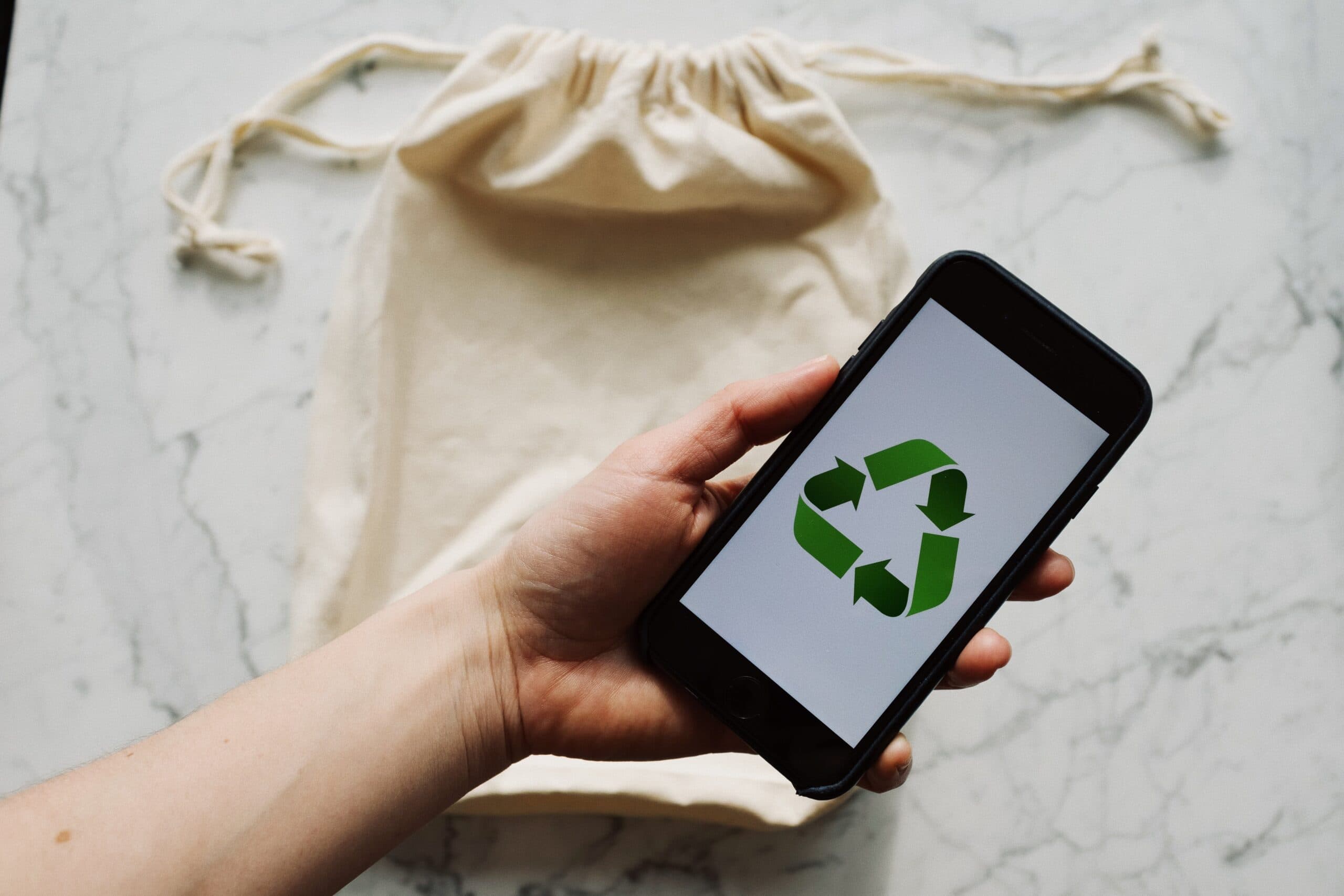
Every office has one: the cupboard of dead technology. Old laptops nobody wants to throw out "in case there's something on them", a box of chargers for phones that no longer exist, a printer that jammed once too often, and a drawer of batteries of unknown vintage.
It's tempting to just bin the lot. Don't. Electronics contain lead, mercury, cadmium and flame retardants that leach out in landfill, lithium batteries that start fires in garbage trucks, and valuable metals that can be recovered. And there's a risk that matters more to a business than any of those: the data still sitting on the drives. Here are eleven ways to deal with it properly in Australia.
1. Know what counts as e-waste
Victoria's definition is the simplest: e-waste is anything with a plug, a battery or a power cord. That covers the obvious things like computers, phones and TVs, but also chargers, cables, power tools, kitchen appliances, vapes and battery-powered toys. If it ever needed electricity, it doesn't belong in the household bin.
2. Know your state's rules
The rules differ around the country:
- Victoria has banned e-waste from household rubbish and landfill since 2019.
- South Australia has banned many electronic items, including TVs and computers, from landfill since 2013.
- Western Australia introduced an e-waste landfill ban on 1 July 2024. It applies to e-waste service providers, landfill operators and larger businesses (200 or more full-time equivalent staff, or five tonnes or more of regulated e-waste a year). Households are encouraged to use drop-off points.
- New South Wales doesn't have a blanket e-waste landfill ban at the time of writing, but councils run e-waste collections and drop-off points, and the free national schemes below apply everywhere.
Whatever your state, the responsible option is the same: keep electronics out of the bin.
3. Wipe the data first. Properly.
This is where businesses get caught. A laptop you're throwing away holds saved passwords, email, client files and possibly access to your Microsoft 365 account. Deleting files and emptying the recycle bin doesn't remove the data; it just marks the space as available. Anyone with free recovery software can bring it back.
Solid-state drives make this trickier than it used to be. To spread out wear, an SSD constantly moves data between its memory cells and keeps spare cells the operating system can't even see. Writing over a file doesn't guarantee the old copy is gone. The Australian Signals Directorate's guidelines for media set out how government agencies sanitise different kinds of storage, and the core principle applies to everyone: use an approved sanitisation method, verify it worked, and physically destroy media that can't be sanitised.
In practice, for most businesses that means:
- Laptops and PCs: encrypt drives from day one with BitLocker or FileVault, then use a proper reset or the manufacturer's secure erase before disposal. If the drive was encrypted, erasing the encryption key renders the remaining data unreadable.
- Phones and tablets: modern iPhones and Android phones are encrypted by default, so a full factory reset destroys the key. Back up first.
- Old hard drives that won't power on: physical destruction, by a provider who gives you a certificate.
4. Remove devices from your accounts
Before a device leaves, unlink it. Turn off Find My on Apple devices so Activation Lock doesn't make them useless to the next owner. Remove company laptops from your device management system and Microsoft Autopilot so they don't keep trying to rejoin your business. Remove old phones from authenticator apps and Microsoft 365 sign-in methods. A device that still holds a trusted sign-in is a device someone else could use to get into your systems.
5. Use the free National Television and Computer Recycling Scheme
The National Television and Computer Recycling Scheme is funded by the industry and provides free drop-off for households and small businesses. It covers TVs, computers, laptops, tablets, monitors, printers, scanners, and peripherals such as keyboards, mice, cables and chargers. It doesn't cover mobile phones, batteries, household appliances, white goods or light globes; those have their own routes, below. Collection points are listed through the Recycling Near You website and many councils host them.
6. Recycle phones through MobileMuster
MobileMuster is the mobile phone industry's free recycling program. It takes phones, chargers, batteries and accessories, with drop-off points in phone shops, council offices and libraries, and a free post-back option. Wipe the phone and take out the SIM card first.
7. Keep batteries out of every bin
Lithium-ion batteries are the most dangerous item in household waste. Crushed in a garbage truck or recycling plant, a damaged battery can short circuit and catch fire. Never put them in either the rubbish or the recycling bin.
Australia's national battery stewardship scheme, B-cycle, has drop-off points in many supermarkets and hardware stores for household batteries. Put a piece of tape over the terminals of lithium batteries before you drop them off. Swollen or damaged batteries need extra care; take them to a council chemical or problem waste drop-off rather than a store bin.
8. Return printer cartridges
Most office supply stores and many printer brands run free cartridge return programs. A box by the printer for empties, emptied once a quarter, makes this effortless.
9. Donate or sell working equipment
The greenest device is the one that stays in use. A three-year-old laptop that's too slow for your accounts team might be perfectly good for a student, a community group or a charity. Check what the recipient can actually use first, since a laptop that can't run Windows 11 is a burden rather than a gift, and always wipe it properly before it goes.
10. Use trade-in and take-back programs
Many manufacturers and retailers offer trade-in credit or free take-back when you buy a replacement. Apple runs a trade-in program in Australia, as do several phone carriers and computer makers. You get a discount, they handle recycling, and you avoid a trip to the tip. Wipe the device and unlink your accounts before handing it over.
11. For businesses: use an IT asset disposal provider
Once you're disposing of more than a few devices at a time, use a specialist IT asset disposal provider. A good one collects from your premises, records each device by serial number, sanitises or destroys the storage, recycles what can't be reused, and gives you certificates for both data destruction and recycling. That paperwork matters. If a client or regulator ever asks what happened to a laptop that held their information, you can show them.
It also ties into your data retention obligations: what you must keep, for how long, and when it must be destroyed. Our guide to building a data retention policy covers the Australian side.
And the bonus option: create less of it
Here's a rough calculation. If a business replaces ten laptops every three years instead of every five, it disposes of about 3.3 laptops a year instead of two. That's 65 per cent more e-waste, and 65 per cent more spending, for the same team. Buying business-grade hardware, upgrading memory and batteries, and planning replacements properly all stretch the useful life. Our article on building an IT refresh plan covers how to time it.
When the time does come, we handle secure retirement of old devices as part of our managed IT service, from unlinking accounts to wiping drives and arranging certified recycling. It's a small job that closes a real security gap.
Frequently asked questions
Where can I recycle e-waste for free in Australia?
TVs, computers, laptops, printers and accessories can go to a free drop-off point under the National Television and Computer Recycling Scheme. Phones go to MobileMuster, household batteries to B-cycle drop-off points, and many councils run free e-waste collections. Recycling Near You lists options by postcode.
Can I put e-waste in my household bin?
You shouldn't anywhere, and in Victoria it's illegal. South Australia and Western Australia also have e-waste landfill bans. Batteries are especially dangerous in bins because damaged lithium batteries can start fires in garbage trucks and recycling facilities.
How do I wipe a laptop before recycling it?
Back up anything you need, sign out of all accounts and turn off Find My or device management enrolment, then use the operating system's full reset or the drive manufacturer's secure erase tool. If the drive was encrypted with BitLocker or FileVault, erasing the key makes the old data unreadable. Drives that can't be wiped should be physically destroyed.
Is e-waste banned from landfill in NSW?
NSW doesn't currently have a blanket e-waste landfill ban, unlike Victoria, South Australia and Western Australia. However, free national recycling schemes and council e-waste collections are available across NSW, and responsible disposal is still strongly encouraged.
Local IT and cyber security support across NSW
Chewing IT runs managed IT and cyber security for small and mid-sized businesses from our Wyong and Hornsby offices, covering the Central Coast, Newcastle, Lake Macquarie and Hornsby.
Got a cupboard full of old devices? Ask us to retire them securely, with data wiped, accounts unlinked and recycling certified.