Article
iPhone Running Slow? 9 Fixes That Actually Work
A slow iPhone usually comes down to storage, battery health, heat or a fresh iOS update. Nine fixes that work on iOS 27, with the exact Settings paths and why each one helps.
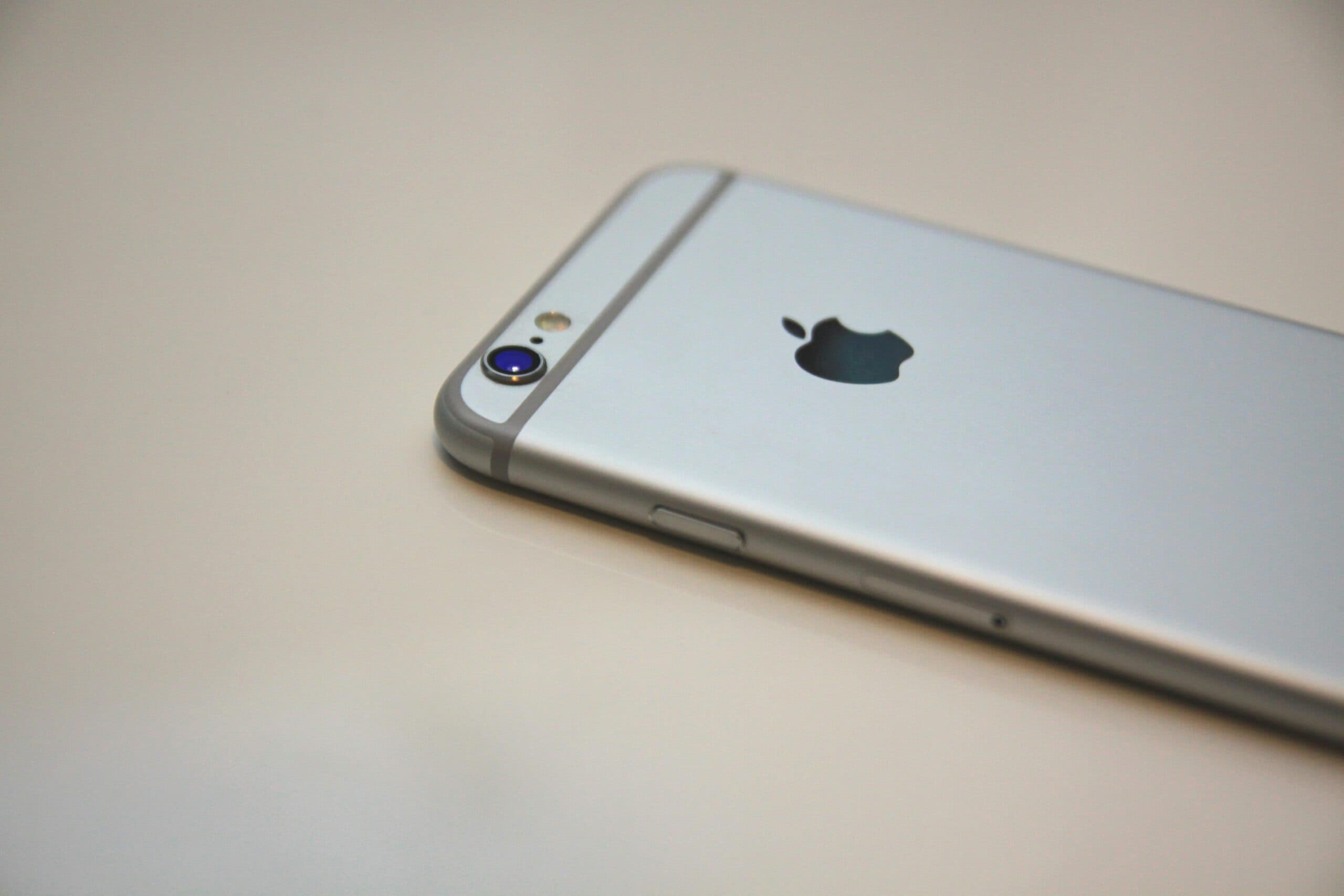
An iPhone rarely gets slow for no reason. Behind the lag there's usually one of a handful of physical causes: storage that's too full, a battery that can't deliver peak power any more, heat, or software that's busy doing something you can't see.
The fixes below are in order, cheapest and quickest first. Most take a couple of minutes. The paths are for iOS 27, which Apple released on 14 September 2026 for the iPhone 11 and later; they're the same or very close on iOS 26.
1. If you just updated, give it a day or two
Here's one that catches a lot of people in September and October. After a major iOS update, your phone does a lot of housekeeping in the background: rebuilding its search index, re-analysing your photo library, and updating apps that need changes for the new version. That work uses processor time and battery, and the phone can feel sluggish and warm for a day or two.
The fix is patience and a charger. Leave it plugged in on Wi-Fi overnight a couple of times and the background work finishes. If it's still slow after that, move on to the next steps.
2. Restart it
Hold the side button and either volume button until the slider appears, slide to power off, wait 30 seconds and turn it back on. A restart clears out apps and processes that have got stuck and frees memory. It sounds too simple to work. It works surprisingly often.
Also check you're not fighting a frozen app. Swipe up from the bottom of the screen and pause to see your open apps, then swipe the misbehaving one away. You don't need to close every app constantly; iOS manages that itself. Just the stuck ones.
3. Free up storage
This is the most common cause we see. Go to Settings → General → iPhone Storage. Apple recommends keeping at least 1 GB free, and in practice more headroom is better.
Why does a full phone slow down? Two reasons. iOS uses free space as a working area for caches, temporary files and updates, and when it runs low it has to constantly clean up before it can do anything. And the flash storage itself writes data in blocks that must be erased before reuse; with almost no free blocks, the storage controller spends more time shuffling data around, so every save takes longer.
The iPhone Storage screen shows what's using space and offers recommendations. The big wins are usually:
- Photos and videos. Turn on iCloud Photos with Optimise iPhone Storage so full-resolution originals live in the cloud and smaller versions stay on the phone. A minute of 4K video can take hundreds of megabytes.
- Messages attachments. Years of videos and photos in group chats add up. Review large attachments from the Messages entry in iPhone Storage.
- Downloaded podcasts, music and streaming episodes you've already finished.
4. Offload apps you rarely use
In the same iPhone Storage screen, tap any app and choose Offload App. This removes the app itself but keeps your documents and data, so if you reinstall it later you pick up where you left off. You can also turn on automatic offloading for apps you haven't used in a while. Delete the app instead if you know you'll never need it again.
5. Check your battery health
This is the fix most people never think of, because nobody expects the battery to affect speed. It does. On iPhone 15 and later, go to Settings → Battery → Battery Health. On iPhone 14 and earlier, it's Settings → Battery → Battery Health & Charging.
Here's the mechanism. As a lithium-ion battery ages chemically, its internal resistance rises. When the processor suddenly demands a burst of power, a worn battery's voltage sags under the load, and if it sags far enough, the phone shuts down unexpectedly. To prevent that, iOS manages performance on affected phones by limiting how hard the processor and graphics chip can push. You get a slower phone instead of a phone that dies at 30 per cent.
Apple says iPhone 14 and earlier batteries are designed to keep 80 per cent of their original capacity at 500 full charge cycles, and iPhone 15 models at 1,000 cycles. If your Battery Health screen recommends a replacement or mentions performance management, a new battery will often make an older iPhone feel new again. It's far cheaper than a new phone. Apple explains the details in its iPhone battery and performance guide.
6. Turn off Low Power Mode when you don't need it
Low Power Mode reduces background activity and caps performance to save battery. Great when you're at 9 per cent with a long afternoon ahead. Less great if it switched on two weeks ago and you've been wondering why everything is slow. If the battery icon is yellow, go to Settings → Battery and turn it off.
7. Let it cool down
Phones protect themselves from heat by slowing down. Leave an iPhone on a car dashboard in an Australian January, use it for navigation while it charges, or play a demanding game in the sun, and it will throttle hard, dim the screen and may stop charging. Take it out of a thick case, move it into the shade and let it cool before deciding something's wrong.
8. Trim background activity and visual effects
Background App Refresh lets apps fetch new content when you're not using them. Useful for some apps, wasteful for most. Go to Settings → General → Background App Refresh and switch it off for apps that don't need to be up to date the moment you open them.
On older phones, the animations themselves can make things feel slower than they are. Settings → Accessibility → Motion → Reduce Motion replaces the zooming transitions with simple fades. It doesn't make the processor faster, but it makes the phone feel snappier.
9. Update, then reset settings as a last resort
Check Settings → General → Software Update. Apple often follows a major release with point updates that fix performance and battery bugs, and they include security fixes you want anyway.
If the phone is still slow, try Settings → General → Transfer or Reset iPhone → Reset → Reset All Settings. This returns settings like Wi-Fi networks, privacy permissions and layout to their defaults, but doesn't delete your apps, photos or data. It clears out odd configuration problems that build up over years.
Beyond that, the full reset is erasing the phone and restoring from a backup, which is a bigger job. Make sure your backup is current first. And now, uh, a small reality check. If you've done all of this on a phone that's six or seven years old, the honest fix might be a new phone. Software gets more demanding each year, and hardware doesn't get any younger.
Is it slow, or is it something else?
Occasionally slowness, overheating and fast battery drain together point to something running that shouldn't be: a dodgy configuration profile or a malicious app. Check Settings → General → VPN & Device Management for profiles you don't recognise. Our article on mobile malware covers the warning signs.
For businesses, company iPhones should be managed centrally through tools like Microsoft Intune, part of many Microsoft 365 business plans. That way updates, security settings and app policies are applied to everyone without relying on each person to check. It's one of the things we look after as part of managed IT, alongside cyber security for the whole fleet.
Frequently asked questions
Why is my iPhone so slow all of a sudden?
The most common causes are nearly full storage, a worn battery triggering performance management, Low Power Mode left on, overheating, or background work after a recent iOS update. Check iPhone Storage and Battery Health in Settings first, and restart the phone.
Does iOS 27 slow down older iPhones?
Many people notice slowness for a day or two after updating, while the phone re-indexes and re-analyses photos in the background. Leaving it on charge and Wi-Fi overnight usually sorts that out. If an older phone stays slow, check battery health, as a worn battery often has a bigger effect than the update.
Will replacing the battery make my iPhone faster?
If the Battery Health screen shows performance management is active or recommends a replacement, yes. A new battery can deliver full peak power again, so iOS stops limiting the processor and the phone returns to its normal speed.
How much free storage should an iPhone have?
Apple recommends keeping at least 1 GB free. More headroom, several gigabytes, gives iOS room for caches and updates and keeps the phone responsive.
Local IT and cyber security support across NSW
Chewing IT runs managed IT and cyber security for small and mid-sized businesses from our Wyong and Hornsby offices, covering the Central Coast, Newcastle, Lake Macquarie and Hornsby.
Managing a team of iPhones? Talk to us about mobile device management so updates, security and settings take care of themselves.