Article
Buying a Used Laptop: What to Check First
A used laptop can be a bargain or a lemon. What to check before buying, from battery health and Windows 11 support to activation locks, plus your rights under Australian Consumer Law.
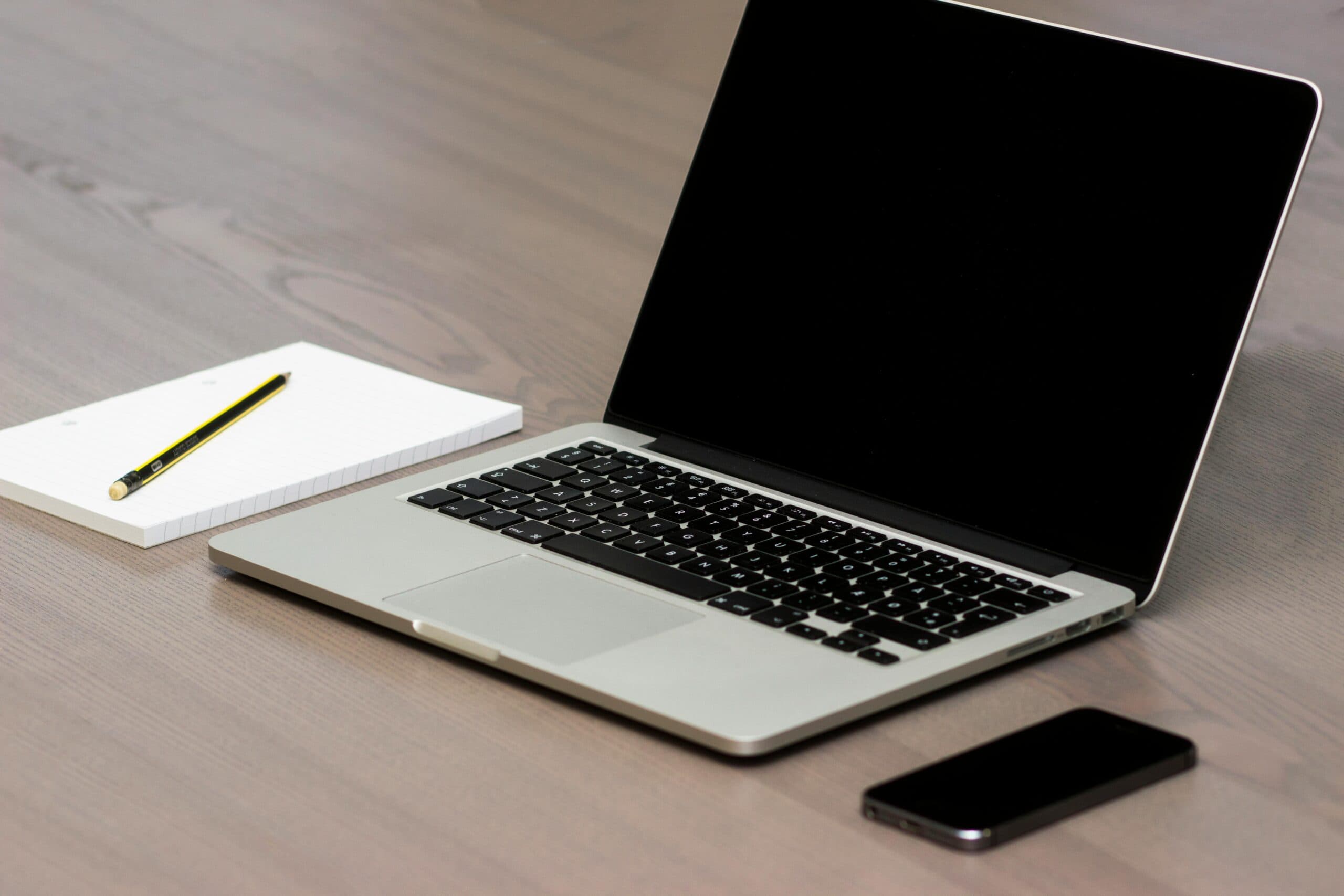
A used laptop can be one of the best-value purchases in technology. Business-grade machines are built to last, they drop in price sharply in their first few years, and plenty come off lease in excellent condition.
It can also be an expensive lesson. The problems that matter most with a second-hand laptop are mostly invisible: a worn-out battery, a dying drive, a processor that can't run a supported version of Windows, or a lock that means it still belongs to someone else. Here's how to check for each before you hand over the money.
Start with what you need it to do
Decide on the job before you look at listings. A laptop for email, web apps and Microsoft 365 needs far less than one for design work, video or engineering software. As a rough guide for business use in 2026:
- Memory: 16 GB of RAM is the comfortable standard. 8 GB works but feels tight with Teams, a browser full of tabs and Excel open at once.
- Storage: a solid-state drive (SSD), never a spinning hard drive. 256 GB minimum, 512 GB if you keep files locally.
- Screen and weight: things you'll live with every day. Try it in person if you can.
Business ranges such as ThinkPad, Latitude and EliteBook tend to make better used buys than consumer models. They're built for years of commuting, parts are easier to get, and many have replaceable batteries and memory.
Check it can run Windows 11
This is the most important check for any used Windows laptop in 2026. Windows 10 reached end of support on 14 October 2025, so a laptop that can't run Windows 11 is effectively obsolete for business use, however good it looks.
Windows 11 needs a TPM 2.0 security chip and a supported processor. As a rule of thumb, that means roughly Intel 8th generation or AMD Ryzen 2000 series and newer. Ask for the exact processor model and look it up on Microsoft's supported processor list. A cheap laptop still running Windows 10 is often cheap for exactly this reason.
Check the battery properly
A seller saying "battery's fine" tells you nothing. Batteries wear chemically with every charge cycle, and a laptop that lasted eight hours new might manage three.
On Windows you can measure it yourself. Open Command Prompt and type powercfg /batteryreport. Windows saves a report showing two numbers: the design capacity and the full charge capacity. Divide one by the other. A battery designed for 50 watt-hours that now holds 31 is at 62 per cent of its original capacity. Below about 70 per cent you should budget for a replacement.
On a Mac, look under System Settings → Battery for the battery condition and maximum capacity, and in System Information under Power for the cycle count.
Check the drive's health
SSDs wear out too, just more slowly. Every drive keeps internal health statistics (called SMART data) including how much of its rated write endurance has been used. A free utility can read these in seconds. A drive reporting warnings or a low health percentage is a reason to walk away or negotiate.
Make sure it actually belongs to the seller
This is the check that catches the most people out, and it has nothing to do with hardware.
- Company management. Many ex-business laptops are registered with their former employer's device management service. If you reset the laptop and during setup it shows a sign-in screen with another organisation's name, it's still enrolled with them and will keep trying to rejoin their systems. The previous owner has to release it.
- Mac Activation Lock. A Mac linked to someone else's Apple Account with Find My switched on can't be set up by you. Make sure the seller signs out and removes it from their account while you watch.
- BIOS or firmware passwords. Restart the laptop and try to enter its setup screen. If a password you don't have is set, that can be a serious problem to remove.
- Proof of purchase. Ask for the original receipt or lease paperwork. A laptop with a missing asset tag, scratched-off serial number and a story that keeps changing is worth avoiding.
The physical once-over
Spend ten minutes with it switched on. Check:
- Screen: open a plain white page and a plain black one to spot dead pixels, bright patches and discolouration.
- Keyboard and trackpad: type every key, including the function row. Test clicks and two-finger scrolling.
- Hinges: they should hold the screen steady at any angle without wobbling or creaking.
- Ports: plug something into every USB port, the headphone jack and the video output.
- Charger: make sure it comes with a genuine charger of the right wattage. Cheap replacement chargers can be a safety risk.
- Webcam, microphone and speakers: make a quick test call. You'll be on Teams for hours; they matter.
- Heat and noise: a fan roaring at idle can mean blocked vents, dried thermal paste or malware busy in the background.
Your rights under Australian Consumer Law
Where you buy makes a big difference to your protection.
From a business, such as a refurbisher or retailer, the consumer guarantees under the Australian Consumer Law apply to second-hand goods too. The laptop must be of acceptable quality, but as the ACCC explains, what's acceptable takes the product's age, price and condition into account. You can't expect a five-year-old laptop to perform like a new one. And if the seller pointed out a defect before you bought it, or you examined it and should have noticed the problem, you generally can't claim for that defect later.
From a private seller, such as a classified listing or marketplace, most consumer guarantees don't apply to one-off sales by someone who isn't running a business. You're still protected on a few points: the seller must have the right to sell it, you're entitled to undisturbed possession, and it must be free of hidden debts or charges. Everything else is buyer beware, which is why the checks above matter so much. Products sold at a traditional auction run by an agent are similar.
The practical lesson: a reputable refurbisher that offers a written warranty often costs a little more and saves a lot of risk.
Once you've bought it: start fresh
Whoever owned it before, don't use the laptop as you received it. Reinstall Windows from Microsoft's official media (or erase and reinstall macOS), install all updates, and only then sign in with your own accounts. You have no idea what software, accounts or settings the previous owner left behind.
If the laptop is for work, it should then be enrolled in your business's device management and security tools like any other company machine. Our checklist for securing company laptops covers encryption, updates and the rest. And when your old laptop is ready to go, read how to wipe and dispose of it responsibly.
Buying for a team?
Used and refurbished machines can make sense for a small business or non-profit on a tight budget, as long as they're business-grade, Windows 11 ready and set up properly. The savings disappear quickly if each one needs hours of fixing. We help businesses decide when refurbished is smart and when new is cheaper over the life of the machine, as part of our managed IT service.
Frequently asked questions
Is it worth buying a used laptop?
It can be, especially a business-grade model from a reputable refurbisher. Make sure it supports Windows 11, has an SSD and at least 16 GB of RAM, and that the battery and drive are healthy. A used laptop that can't run Windows 11 is rarely good value in 2026.
How do I check a used laptop's battery health?
On Windows, run powercfg /batteryreport in Command Prompt and compare the full charge capacity with the design capacity. On a Mac, check System Settings → Battery for maximum capacity and System Information for the cycle count. Below about 70 per cent of original capacity, plan for a replacement.
Do I have consumer guarantees on a second-hand laptop in Australia?
Yes, if you buy from a business. Consumer guarantees under the Australian Consumer Law apply to second-hand goods, taking age, price and condition into account. Most guarantees don't apply to private one-off sales or traditional auctions, apart from title, undisturbed possession and freedom from hidden debts.
What should I do with a used laptop after buying it?
Wipe it and reinstall the operating system from official media, install all updates, then set it up with your own accounts. For work use, enrol it in your company's device management and security tools before it touches business data.
Local IT and cyber security support across NSW
Chewing IT runs managed IT and cyber security for small and mid-sized businesses from our Wyong and Hornsby offices, covering the Central Coast, Newcastle, Lake Macquarie and Hornsby.
Kitting out your team on a budget? Ask us which laptops are worth buying refurbished and we'll set them up securely from day one.