Article
Choosing Cloud Storage for Your Small Business
Consumer cloud plans and business cloud plans look identical until someone resigns. How Australian small businesses should choose cloud storage — with real AUD prices.
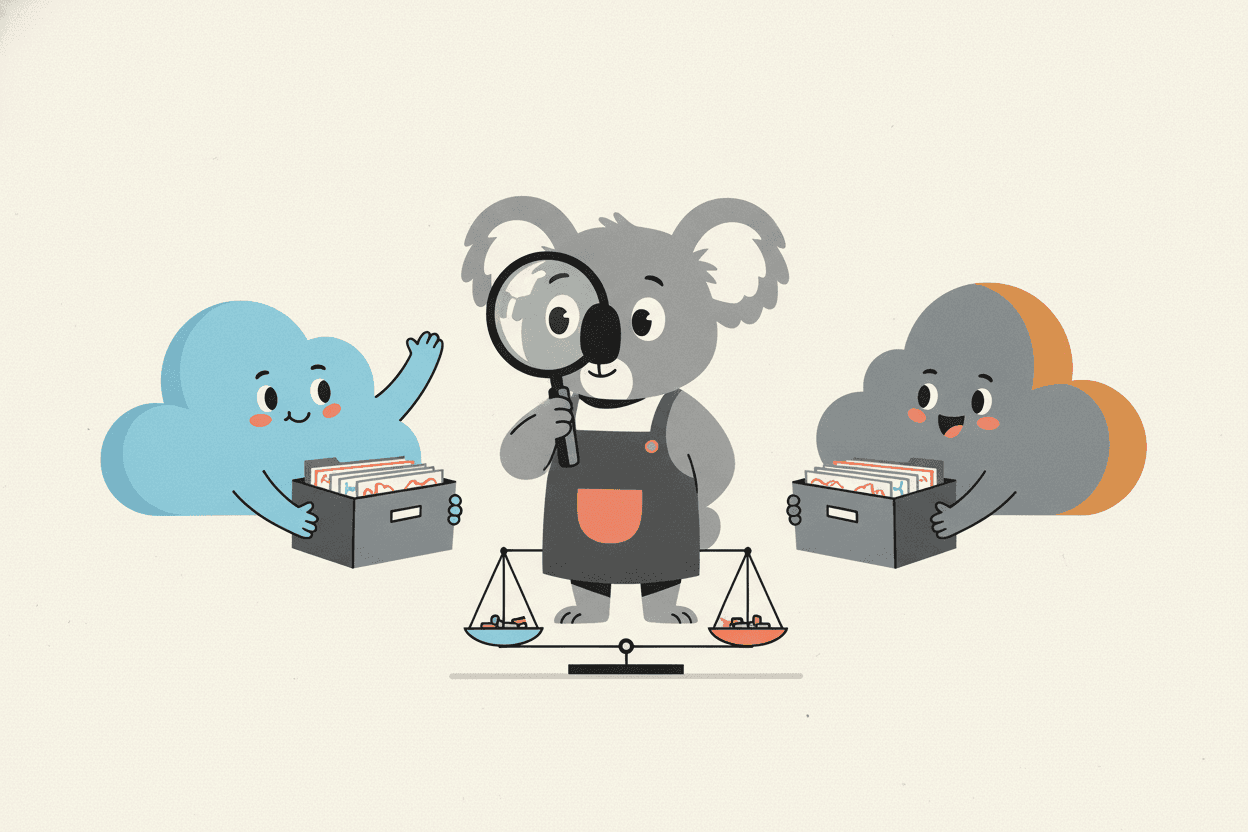
Here's a Tuesday that happens somewhere in Australia every week. A staff member resigns — amicably, two weeks' notice, cake on the last day. A month later someone goes looking for the Henderson quote, and the answer comes back: it was in her personal Dropbox. The account that stopped syncing the day she left. The files aren't stolen or hacked. They're just… hers.
That story is the most important thing to understand about choosing cloud storage for a business, because it draws the line that actually matters. It isn't Google versus Microsoft, and it isn't 15 gigabytes versus 2 terabytes. It's consumer versus business — who owns the account the files live in. Get that right and most of the remaining decisions are preferences. Get it wrong and no feature list will save you.
The first question: who owns the account?
On a consumer plan — a personal Google account, a free Dropbox, an iCloud login — the account belongs to the human who created it. Their password, their recovery email, their data. It doesn't matter that the files are about your clients; legally and practically, you're a guest in someone else's storage.
A business plan inverts the mechanism. The organisation owns a tenant — a company-wide account — and staff get identities inside it. An administrator can reset any password, see where data lives, and when someone leaves, transfer their entire file store to their manager with a few clicks before the account is closed. Nobody has to remember to email themselves the important stuff on their last day, because the important stuff was never theirs to take.
That single structural difference is worth more than every other feature combined. It's also why "we'll just share a free Dropbox folder" is the most expensive cheap decision a small business makes.
The two-horse race: Microsoft 365 vs Google Workspace
For Australian small businesses the realistic shortlist has two names on it, and both bundle cloud storage with email and office apps — which is the right way to buy it, because you need all three anyway.
Microsoft 365 Business plans run from about AU$9 per user per month for Business Basic (1 TB of OneDrive per person, web versions of Word and Excel) to around AU$19 for Business Standard, which adds the full desktop Office apps. Note the timing if you're buying this month: Microsoft raised prices for these tiers on 1 July 2026, so quotes you saw in June are already stale — confirm current AUD figures (ex GST) with your provider before budgeting.
Google Workspace runs about AU$8.40 per user per month for Business Starter and AU$16.80 for Business Standard (both ex GST). One trap in the fine print: Workspace storage is pooled, and Starter's pool works out to just 30 GB per user — fine for documents, cramped the day someone uploads a video archive. Business Standard lifts it to 2 TB per user, pooled across the team.
The tiebreaker is rarely the storage. It's gravity: if your business runs on Excel models, Outlook and the accountant's macros, you're a Microsoft shop and fighting it costs more than the licences. If everything already happens in a browser and Gmail feels like home, Workspace will fit like it was tailored. Most of the small businesses we support land on Microsoft 365, mostly because the rest of Australian business did too.
And it's worth a beat of honesty about what this choice really is: deciding which of two trillion-dollar companies gets custody of everything your business knows, forever — and the, uh… deciding factor is usually how you feel about Excel. That's genuinely the state of the art. It works. It's just worth noticing.
How much storage do you actually need? (Less than you think)
Run the numbers before you pay for terabytes. A Word document is about 50 KB — you could store twenty thousand of them in a single gigabyte. A ten-person services firm generating documents flat-out for a decade struggles to fill 100 GB with actual work files. What eats space is media: photo libraries, video, CAD drawings, and the marketing folder where someone saved nine takes of the same drone shot.
So the 1 TB per user that comes standard with Microsoft 365 isn't a number you're likely to test. Which means storage size is the wrong thing to shop on. Buy on ownership, admin control and fit with your tools; the gigabytes take care of themselves — unless you're in a media-heavy trade, in which case do the audit first: total up your current server or drive usage, add your annual growth, and check it against the plan's pool.
Security is mostly settings, not brands
Microsoft and Google both run security operations your business could never afford. Breaches of small-business cloud accounts almost never involve someone defeating that; they involve a phished password and a login page that asked for nothing else. Microsoft's own research puts the effectiveness of multi-factor authentication at blocking over 99% of account-compromise attacks — one setting, more protective than every other decision on this page combined.
The rest of the security story is housekeeping: give people access to the folders their job needs rather than everything, review who has "anyone with the link" shares, and close accounts the day someone leaves. None of it is hard; all of it gets skipped. A security review plus some staff awareness training covers more real-world risk than any premium plan tier.
Where your data lives matters here
Your files sit in physical data centres, and for a business holding client information, which country's data centres is a real question. The Australian Privacy Principles make you accountable for personal information you hold — including when it's stored overseas on your behalf. Both Microsoft and Google operate Australian regions and can keep core data onshore; you generally have to choose that, not assume it. If your industry or your client contracts demand certainty about residency, that's a conversation about tenant configuration — or about Azure — before you migrate, not after.
Sync still is not backup
Whichever platform you pick, the sync engine will faithfully replicate everything that happens to your files — including deletions and ransomware encryption. Version history and recycle bins give you a window, typically 30 to 93 days, and windows close. A separate, versioned backup of your Microsoft 365 or Workspace data is the difference between an incident and an anecdote. We walk through the mechanics in our guide to cloud storage and device space — the short version is that a copy you can sync to is a copy ransomware can reach.
The migration is a weekend, not a saga
The move itself is the part people dread and the part that's actually solved. Mail, calendars and files migrate with proper tooling in a staged cutover — usually over a weekend, with the old system left readable until everyone's confident. What turns migrations into sagas is doing it by drag-and-drop: permissions lost, folder structures mangled, and one laptop's half-synced folder anointed as the master copy. It's a done-once job, so it's worth doing once, properly. And once you're in, the next battle is keeping the shared drive from descending into chaos — we've written a separate guide on keeping shared cloud storage organised for exactly that.
Frequently asked questions
Microsoft 365 or Google Workspace — which is better for a small business?
Both are excellent; the deciding factor is which ecosystem your work already lives in. Heavy Excel, Outlook and desktop-app use points to Microsoft 365; browser-first teams fit Google Workspace. Switching ecosystems to save a dollar or two per user per month is nearly always a false economy once retraining is counted.
How much does business cloud storage cost in Australia?
As of July 2026, roughly AU$8.40 to AU$19 per user per month ex GST buys the mainstream tiers — Google Workspace Business Starter at the bottom, Microsoft 365 Business Standard at the top — with email, office apps and at least 30 GB to 2 TB of storage included. Microsoft's prices rose on 1 July 2026, so confirm current figures before signing an annual commitment.
Can I just run the business on a free or personal cloud plan?
You can, the way you can run a ute without insurance. The files live in accounts your business doesn't own or control, there's no admin console, no offboarding process, and your Australian Privacy Principles obligations don't shrink to match the plan. The first resignation, dispute or lost password turns the savings negative.
Do I still need backup if I'm on Microsoft 365 or Workspace?
Yes. The platforms keep your service running; protecting your data from deletion, ransomware and malicious insiders is explicitly your side of the deal. Built-in recycle bins and versioning have time limits. A managed backup keeps independent, versioned copies outside the blast radius.
Does it matter where my data is physically stored?
For a business holding client information — yes. Data residency affects your privacy obligations and, in industries like health, legal and finance, may be contractually required. Both major platforms offer Australian regions; verify your tenant is actually using one rather than assuming.
Local IT and cyber security support across NSW
Chewing IT plans, migrates and manages cloud storage for small businesses across the Central Coast, Newcastle, Lake Macquarie, Hornsby and the wider Sydney North Shore — from Microsoft 365 tenancy setup and data migrations to the backup and security settings that make it safe. Most work is delivered remotely with same-day turnaround, with on-site support from our Wyong office on the Central Coast and our Hornsby office in Sydney.
Still deciding between Microsoft 365 and Google Workspace — or not sure who actually owns your business files right now? Get in touch for a straight answer before the next resignation makes the decision for you.